NVMe and Cloud Storage: Why Storage Type Matters for Your VPS
Published: · Updated: · 5 min read · By Oluniyi D. Ajao

Not all cloud storage is the same. The type of storage behind your VPS directly affects how fast your applications respond, how reliably your databases perform, and how much you pay for capacity you may not need.

This guide breaks down the storage types available in modern cloud infrastructure: NVMe, SSD, HDD, block storage, and object storage: so you can make an informed choice for your workload.
What Is NVMe Storage?
NVMe (Non-Volatile Memory Express) is a storage protocol designed specifically for solid-state drives. Unlike older protocols like SATA or SAS, NVMe communicates directly with the CPU over the PCIe bus, removing bottlenecks inherited from the era of spinning hard drives.
The result is storage that handles hundreds of thousands of input/output operations per second (IOPS), with latency measured in microseconds rather than milliseconds. For a VPS running a database, a web application, or a busy API, this means faster reads, faster writes, and fewer queued requests.
AFRICLOUD uses NVMe storage on every VPS plan. There is no "upgrade to NVMe" option because every server ships with it by default: from the entry VM1 plan through to VM8.
NVMe vs SSD vs HDD: A Practical Comparison
| Metric | HDD | SATA SSD | NVMe SSD |
|---|---|---|---|
| Random read IOPS | ~150 | ~30,000 | ~500,000+ |
| Sequential read | ~150 MB/s | ~550 MB/s | ~3,500 MB/s |
| Latency | ~10 ms | ~0.1 ms | ~0.02 ms |
| Durability | Moving parts, failure-prone | No moving parts | No moving parts |
| Power consumption | Higher | Moderate | Lower |
For VPS workloads, the difference between HDD and NVMe is not incremental: it is orders of magnitude. A MySQL query that takes 50 ms on HDD storage can complete in under 1 ms on NVMe. Page loads, API responses, and background jobs all benefit proportionally.
What Is Block Storage?
Block storage is a type of cloud storage that behaves like a physical hard drive attached to your server. You can format it with any file system, mount it at any path, and use it for databases, application data, or file storage.
The key characteristics of NVMe block storage:
- Persistent: data survives server restarts and redeployments
- Resizable: add capacity without rebuilding your server
- Mountable: attach to one server at a time, like a USB drive
- Low latency: ideal for databases and applications that need fast random I/O
When backed by NVMe hardware, block storage volumes combine the flexibility of on-demand capacity with the raw speed of NVMe drives. This is what "NVMe block storage" means in practice: attachable volumes running on NVMe infrastructure.
What Is Object Storage?
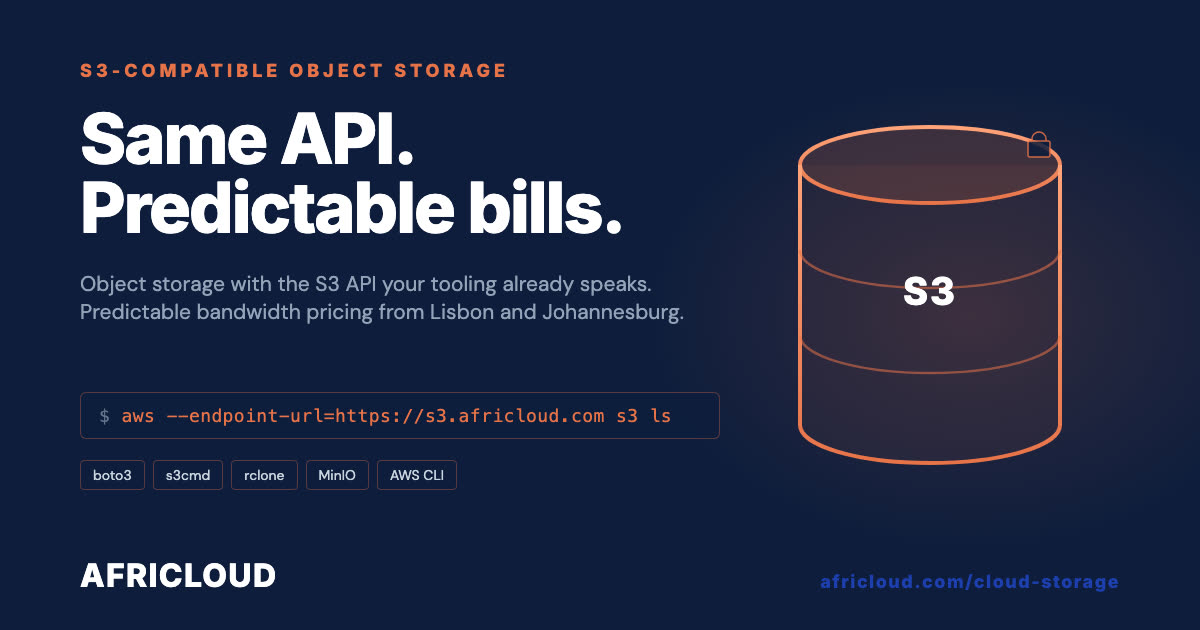
Object storage is a different model entirely. Instead of mounting a volume as a file system, you store and retrieve files via an API: typically the S3-compatible API that has become an industry standard.
Object storage is designed for:
- Static assets: images, videos, PDFs, CSS, JavaScript
- Backups: database dumps, server snapshots, log archives
- Large datasets: analytics data, machine learning training sets
- Content delivery: files served directly to users via HTTPS
Unlike block storage, object storage scales to petabytes without manual resizing. You pay for what you store, and retrieval is handled over HTTP.
When to Use Each Storage Type
| Use case | Best storage type | Why |
|---|---|---|
| Databases (MySQL, PostgreSQL, MongoDB) | NVMe block storage | Needs low-latency random I/O |
| Web application files | NVMe (included with VPS) | Fast file reads for page loads |
| Media uploads (photos, documents) | Object storage | Scales independently of server |
| Backups and archives | Object storage | Cost-effective, durable, no mount needed |
| CI/CD build artifacts | Object storage | Retrieved via API, no persistent mount |
| Log aggregation | Object storage | Append-heavy, rarely random-accessed |
Most production setups use both: NVMe block storage for the application and database, and object storage for static assets and backups. This keeps your VPS storage lean and fast while offloading bulk data to scalable, cost-effective storage.
How Storage Affects Real-World Performance
Consider a typical web application on a VPS:
- Page load: The web server reads PHP or Python files from NVMe storage. With NVMe, file reads happen in microseconds. With HDD, each file read adds milliseconds: and a single page load may read dozens of files.
- Database query: A product listing page runs 5-10 database queries. On NVMe, each query's I/O completes in under 0.1 ms. On HDD, the same I/O takes 5-10 ms per query: adding 50-100 ms to every page load.
- Image serving: Static images stored on S3-compatible object storage are served directly via HTTPS link, without consuming VPS disk I/O or bandwidth.
- Nightly backup: A database dump is written to object storage via API. The VPS disk is not involved: no I/O contention with live traffic.
The combined effect is a faster application, lower server load, and simpler scaling. If you are running an e-commerce store, the impact on checkout speed and cart reliability is particularly significant.
Choosing Storage for Your AFRICLOUD VPS
Every AFRICLOUD Cloud Server includes NVMe storage by default:
- VM1: 20 GB NVMe
- VM3: 60 GB NVMe
- VM6: 180 GB NVMe
- VM8: 320 GB NVMe
For applications that need additional capacity, attach NVMe-backed Block Storage volumes for growing databases. All three regions, Lisbon, Johannesburg and Lagos, run on enterprise AMD EPYC compute with all-NVMe storage.
If you are evaluating a self-managed VPS for the first time, storage type should be one of the first things you check. NVMe is not a premium feature: it is the baseline for any workload that matters.
Summary
Storage is not a line item to ignore on a VPS spec sheet. The difference between NVMe and HDD is the difference between a responsive application and a sluggish one. The difference between block storage and object storage is the difference between a well-architected system and one that will hit scaling walls.
Choose NVMe for anything latency-sensitive. Use object storage for anything that scales. And if you are comparing VPS providers, check whether NVMe is the default or an upsell: that tells you a lot about the infrastructure behind the price.